Geometry Dash turns a small icon, a clear route, and a change of movement into a challenge. That makes it useful for a paper activity: children can color one icon, arrange a short path, then explain how their imagined level works. These Geometry Dash coloring activities begin with the Geometry Dash coloring pages. Pick a Cube sheet and two different modes, and keep a separate strip of paper for the route. Nothing needs to move on a screen.
The AI-generated color illustrations show the activity setup; the collection holds line art. This fan activity is not a playable level or official editor lesson.
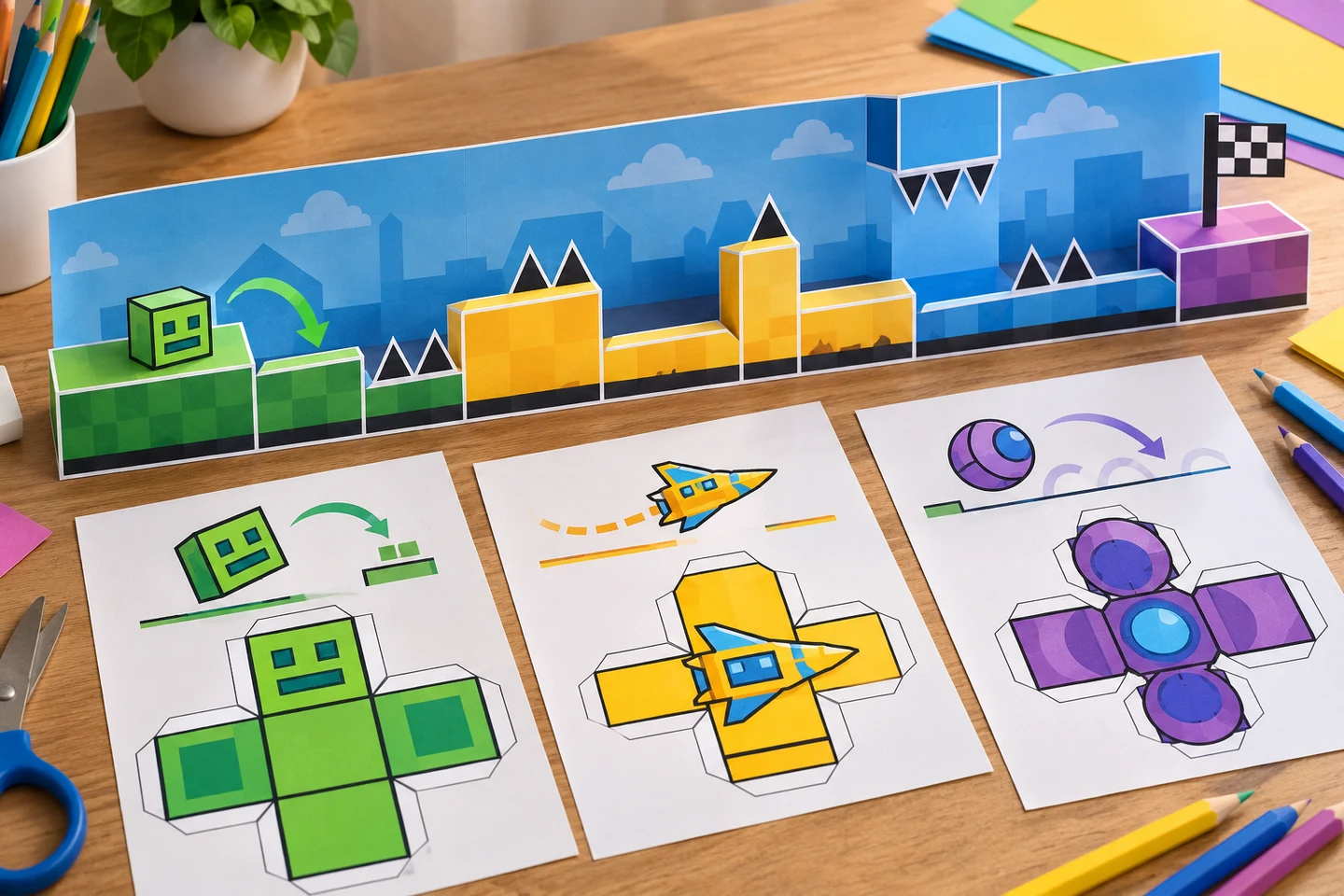
Three forms and one wide paper strip are enough to plan a level that can be understood at a glance.
Draw the route before adding obstacles
Draw a horizontal line across a long paper strip. Mark a start, a change, and a finish with three empty circles. Do not pack the strip with obstacles yet. In the first section, place a Cube coloring page and ask the child to trace a finger along the route. Where would the Cube jump? On a separate card, draw one broad platform and one gap. The card shows the idea without altering a Geometry Dash activity sheet.
At the middle circle, switch to Ship or Ball. The official editor guide describes Ship as flying and Ball as rolling with gravity changes. Ask the child to show that change with a broad curved arrow. Geometry Dash coloring activities can make a movement rule visible before a child has to explain it in words. Color the arrow and the icon differently so the path is easy to follow.
Finish with a small rule card: “At this point, our icon becomes a ___.” The blank invites a choice among UFO, Wave, Robot, Spider, or Swing. Each mode has a distinct movement in the official guide. A child does not have to memorize eight definitions; set out two choices at a time and let them select one. Keep the finish wide and uncluttered, because a satisfying ending is more useful than a page full of tiny spikes.
Match color choices to movement
Use color as a visual cue rather than a score. A Cube may have a warm border, a Ship a cool trail, and a Ball a striped path. Put colored pencils on the table for the icon details and a broad crayon for background blocks. If the printed icon is small, enlarge that sheet in the printer settings or use a simpler form. Test one copy first so no face or edge disappears in the margins.
For paired Geometry Dash coloring activities, one child colors an icon while the other designs a route card. They swap cards and describe how the icon would move. Let them correct the route with a pencil if it is impossible to follow. The point is to notice shape, direction, and sequence, not to simulate the game's difficulty exactly.
Geometry Dash coloring pages also make a compact matching game. Place four Geometry Dash activity sheets—Cube, Ship, Ball, and UFO—in a row. Read an action aloud—jump, fly, roll, or hop through the air—and invite the group to point to a fitting form. Then let them color one shape from each page. The quick round can be a warm-up for a longer paper level or the entire activity for a short break.
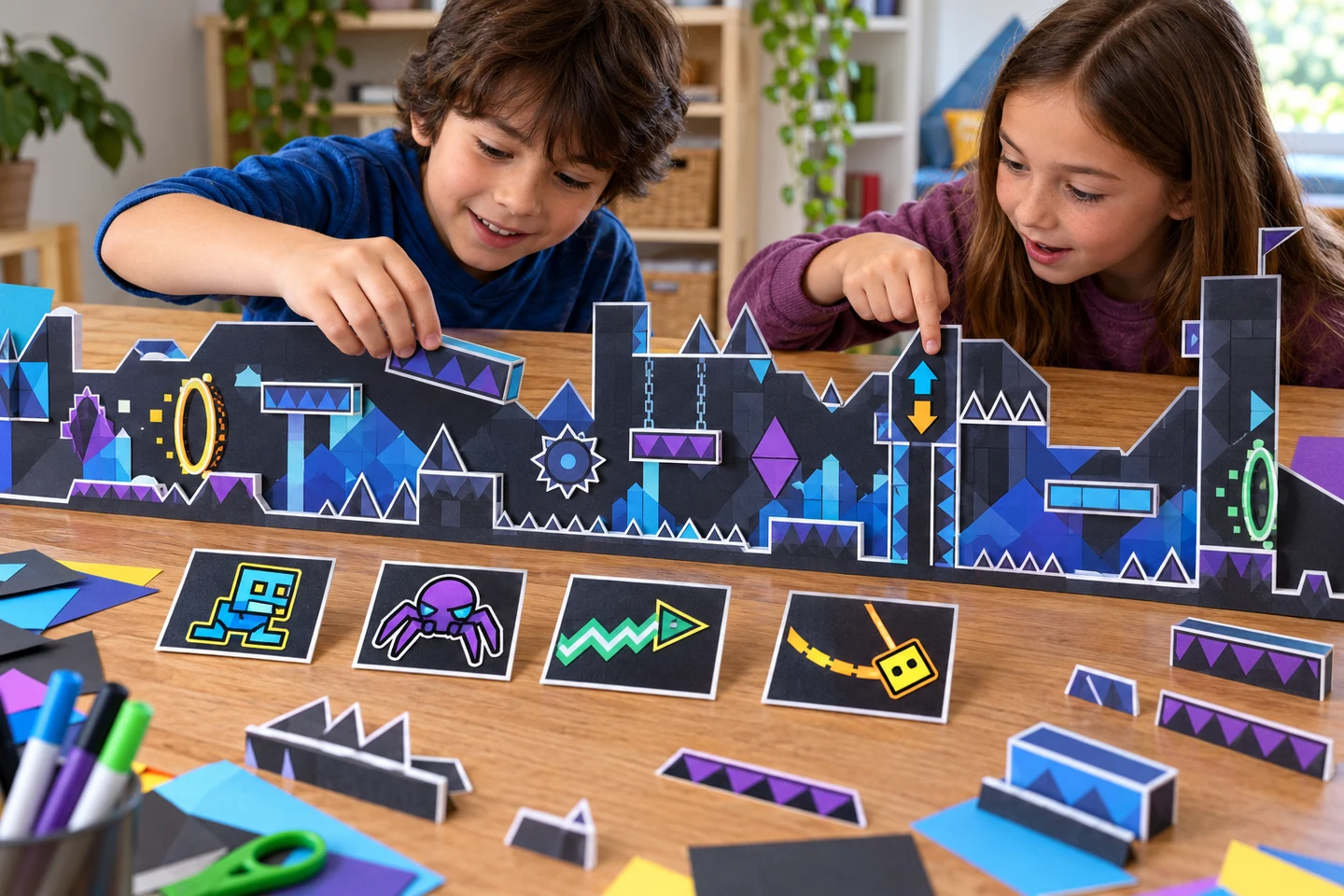
Mode cards stay separate from the page, so a child can rearrange the route before coloring a final version.
Build an editor grid on paper
For another challenge, print a Geometry Dash coloring page with the level editor and give each person squared paper. Draw a floor line, add two platforms, and leave generous space between them. The game editor uses objects and modes; your paper grid is simply a planning surface. It should not pretend to export or load a real level.
Add one Orb or Pad after the first platform, because those objects change the Cube's movement in the guide. Put a question mark on the paper route: “What happens here?” The child can answer with a sketch, a spoken sentence, or another arrow. This is a good way to use the coloring page as a prompt for problem solving without turning the craft into homework.
A family can finish Geometry Dash coloring activities by joining three paper strips end to end. Put each maker's icon sheet beside their section. Read the route from left to right and ask where the most surprising change happens. There is no leaderboard or speed test. If a child wants to redraw the whole thing, keep the earlier strip; comparing drafts shows how the idea developed.
Keep the paper editor separate from the real one: children can redraw the strip as often as they like, then keep the version that tells their movement story most clearly.
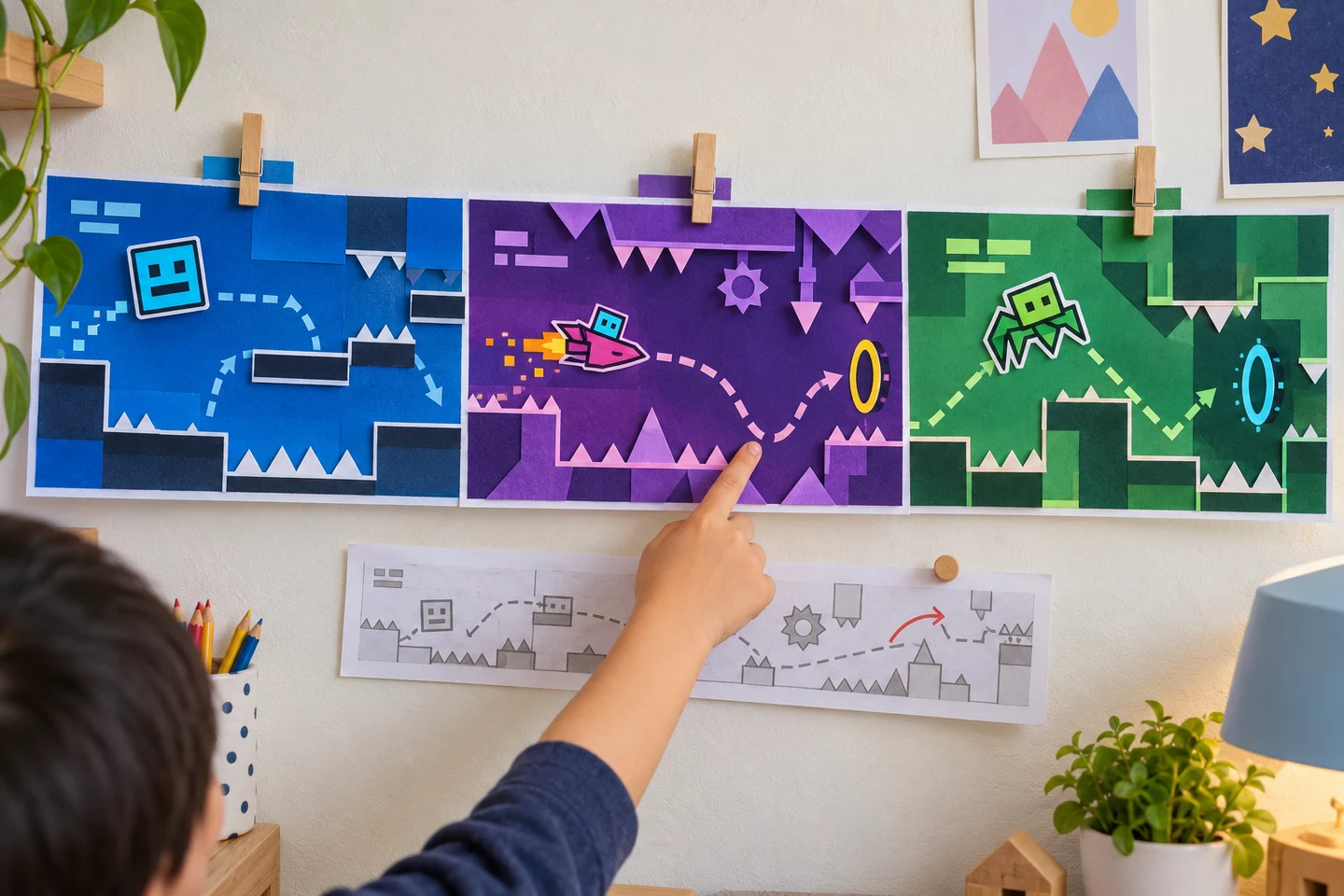
The finished gallery shows three different decisions about movement without needing a playable file.
Before you print
Do I need to use all eight modes?
No. Cube plus one contrasting form is enough for a complete paper level. Use more Geometry Dash coloring pages only when someone wants a longer sequence. Too many modes at once can make the path hard to read.
Can I make a new icon sheet?
You can describe one in the AI coloring page tool. AI creation requires sign-in and credits; check the displayed cost before generating. Review the outline, especially symmetry and closed shapes, before printing. A prompt for one icon and a simple platform is easier to check than a full obstacle course.
Where can we try another kind of route?
Browse the community for more page ideas. Pokemon coloring activities use a buddy journal route, while Fortnite coloring activities use an island map and team roles. Either can follow this paper level lab on another day.