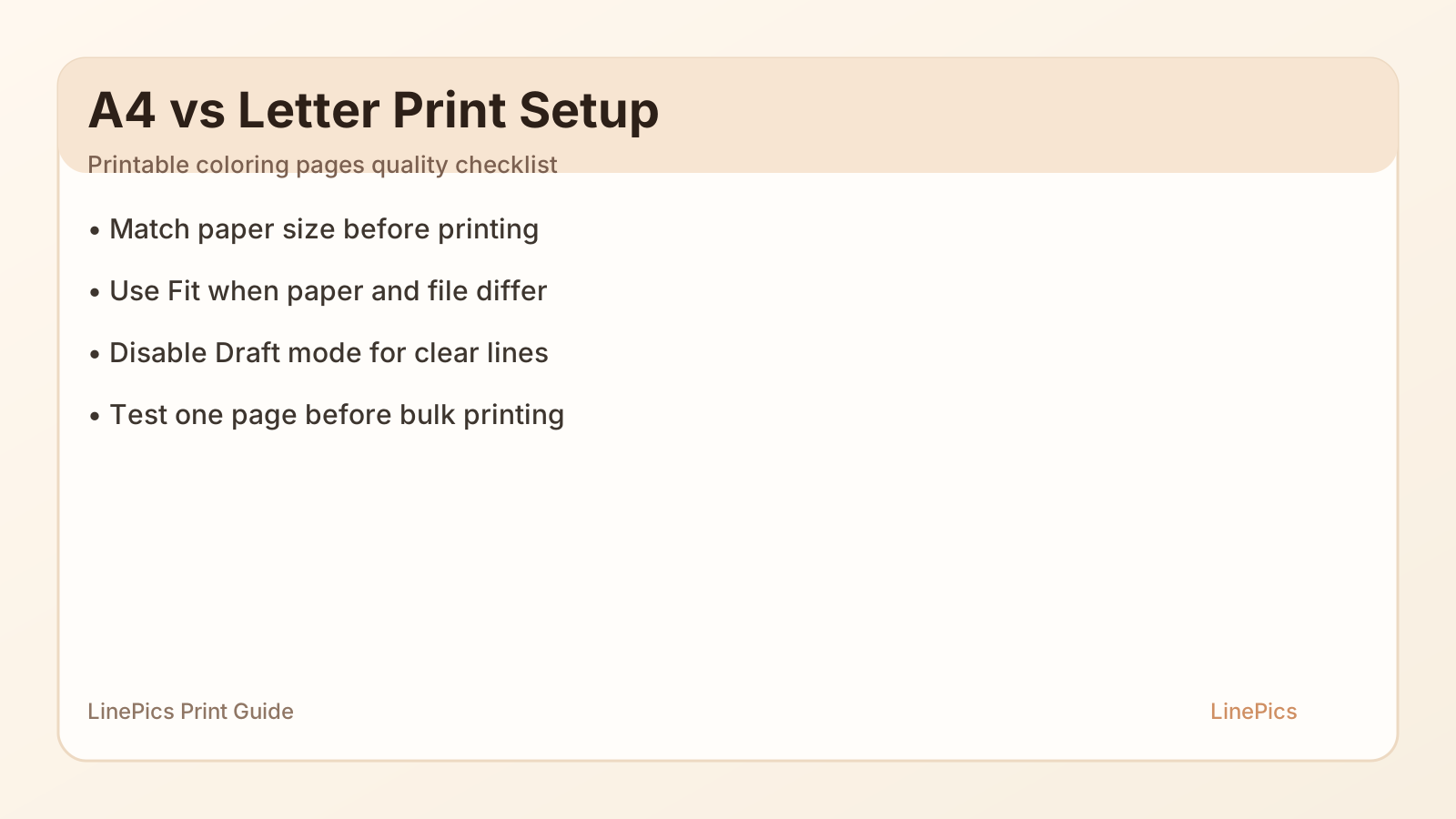
Figure: A4 vs Letter print setup checklist for printable coloring pages.
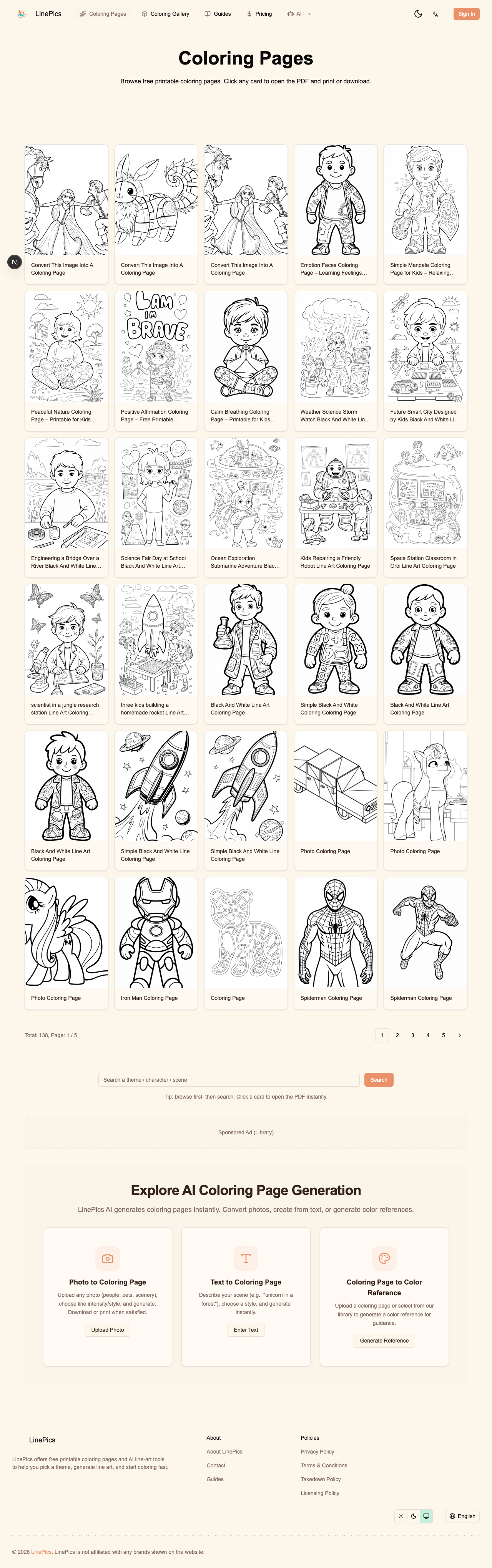
Figure: Real LinePics coloring pages library used in the print workflow.
If you publish or print printable coloring pages, paper mismatch is the fastest way to get complaints.
Parents in the US usually print on Letter (8.5 x 11 in). Teachers and families in most other regions use A4 (210 x 297 mm). If your PDF is designed for one size and printed on the other without the right settings, line art gets cropped, shrunk, or blurred.
This guide gives you a repeatable workflow for high quality printing at home and in classrooms.
Quick Answer
If you only remember one thing, use this:
- Keep source files at high resolution.
- Export one clean PDF for A4 and one for Letter when possible.
- In the print dialog, set scale to Fit when paper size does not match.
- Turn off Draft/Eco mode when printing line art.
Why Printable Coloring Pages Fail at Print Time
Most failed prints come from four avoidable issues:
- Wrong paper size selected in the driver.
- Auto scaling plus browser scaling applied twice.
- Eco mode reducing line density.
- Raster images exported too small and then enlarged.
If your site offers free printable coloring pages, these failures hurt trust quickly because users assume the file is bad, not their settings.
A4 vs Letter: What Changes in Real Life
A4 is narrower and taller than Letter. Letter is wider and slightly shorter. The ratio difference is small but enough to clip borders and titles when users choose 100% scale.
Practical rule:
- Exact paper match: use 100% scale.
- Mismatch: use Fit to page.
If your page has a decorative frame, keep a generous safe margin so the artwork survives both formats.
Recommended Export Specs for Coloring Pages
For line-art printable files:
- Format: PDF first, PNG optional.
- Minimum canvas target: around 2550 x 3300 px for Letter at 300 DPI equivalent.
- Color mode: grayscale or pure black line art.
- Avoid heavy compression.
- Keep line weight consistent and readable for children.
When users search for coloring pages for kids, they care less about fancy effects and more about clean lines that print sharply on low-cost printers.
Browser and Printer Settings (Step by Step)
Chrome or Edge
- Open PDF directly in browser.
- Paper size: choose A4 or Letter intentionally.
- Pages: all or selected.
- Scale:
- 100% when paper matches file.
- Fit to printable area when paper differs.
- Disable headers and footers unless needed.
- Print in grayscale for crisp line art.
macOS Print Dialog
- Confirm printer preset is not Draft.
- Open Layout and disable unexpected scaling.
- Use Media and Quality to raise quality for thin lines.
- If line art appears faint, pick a darker black setting.
Windows Printer Driver
- Check paper source tray and size.
- Disable economy mode.
- Set quality to Standard or High.
- Check borderless option only if your design expects bleed.
Classroom Workflow for Teachers
If you print 20 to 30 worksheets at once:
- Run one test page first.
- Lock settings into a printer preset.
- Print in batches by age level and difficulty.
- Keep one file naming convention: topic-age-level-paper-size.
Example:
farm-animals-easy-letter.pdfocean-animals-medium-a4.pdf
This makes your printable coloring pages library manageable over time.
Troubleshooting Table
| Symptom | Likely Cause | Fast Fix |
|---|---|---|
| Top or bottom clipped | Paper mismatch at 100% | Switch to Fit |
| Lines too light | Draft mode | Use Standard/High quality |
| Whole page tiny | Double scaling | Set one scaling path only |
| Fuzzy edges | Low source resolution | Re-export at higher resolution |
| Border missing | Unprintable area | Add safe margins or borderless mode |
SEO Tip for Coloring Sites
If you run a coloring website, publish one print guide and link it from:
/coloring-pages- each major collection page
- FAQ sections
This reduces support requests and improves trust signals because users find real help, not only downloads.
Final Checklist Before You Publish New Coloring Pages
- File opens fast on mobile and desktop.
- PDF prints correctly on both A4 and Letter test pages.
- One page tested on low-end printer.
- FAQ includes paper-size and scaling instructions.
- Internal link to this print guide is visible.
That one checklist does more for your reputation than adding ten rushed image-only pages.
References
- Adobe Acrobat Reader print settings: https://helpx.adobe.com/acrobat/using/printing-pdfs.html
- Google Search quality guidance (helpful content): https://developers.google.com/search/docs/fundamentals/creating-helpful-content