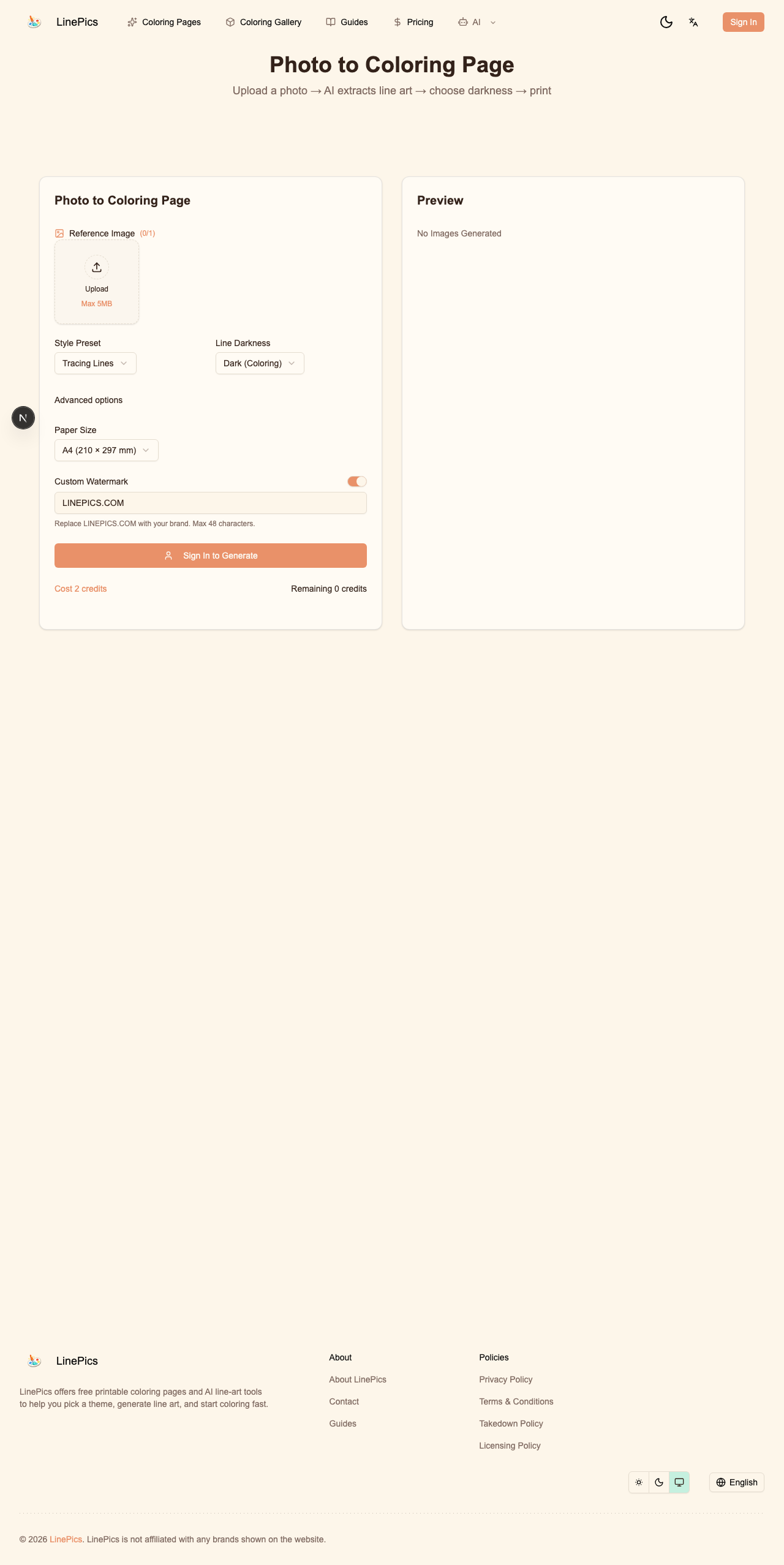
Figure: Real LinePics Photo to Coloring Page workflow interface.
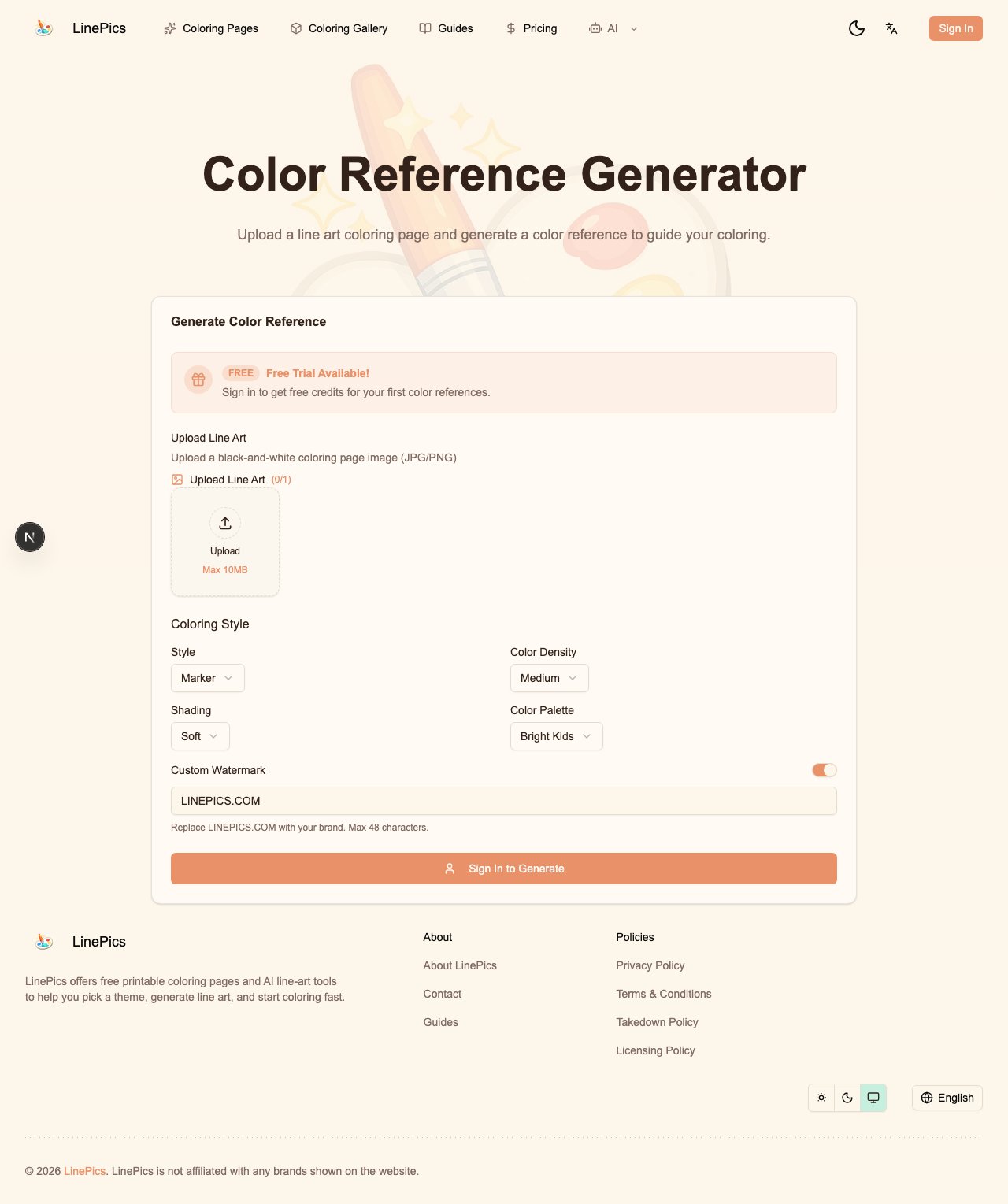
Figure: Related Color Reference tool used after line-art generation.
Turning photos into coloring sheets sounds simple. In practice, many outputs are noisy and hard to color.
This guide gives a production workflow for photo to coloring pages that keeps details readable and printable.
Where Most Conversions Fail
Common failures:
- too much texture from original photo,
- weak edge separation,
- busy backgrounds,
- uneven line weight.
These problems look acceptable on screen but collapse on paper.
Step 1: Choose the Right Source Photo
Best candidates:
- clear subject separation,
- moderate contrast,
- simple background,
- minimal motion blur.
Avoid:
- low-light photos,
- heavy shadows,
- crowded scenes.
Input quality determines output quality.
Step 2: Pre-Crop for Composition
Before conversion:
- crop around the main subject,
- remove irrelevant objects,
- center visual attention.
For printable coloring pages, composition clarity is more important than photographic completeness.
Step 3: Convert to Line Art With Constraints
When using AI or filters, enforce:
- black and white only,
- clean contour extraction,
- no grayscale fill,
- white background,
- controlled detail level.
If your model supports settings, reduce texture sensitivity.
Step 4: Manual Cleanup Pass
Automated conversion is rarely final. Clean up manually:
- remove floating artifacts,
- close open shapes that should be enclosed,
- simplify dense fur or fabric textures,
- normalize line thickness.
Even a 3-minute cleanup improves user satisfaction.
Step 5: Print Test at Real Scale
Test with the same setup your users have:
- A4 and Letter,
- standard office printer quality,
- grayscale mode.
If lines break or fade, increase contrast before release.
Difficulty Variants From One Photo
Generate three versions from one source:
- easy: broad shapes only,
- medium: key features plus simple background,
- advanced: richer detail.
This multiplies content value without new photo sourcing.
Teacher and Parent Use Cases
Great educational uses:
- class memory pages from field trips,
- pet-themed language activities,
- family event keepsake sheets.
Personal relevance increases engagement more than generic clipart.
Privacy and Safety Reminder
If photos include children:
- avoid public publishing without consent,
- remove identifying details,
- follow your platform's privacy policy.
Trust and safety are part of content quality.
Suggested Internal Linking
From every conversion tutorial, link to:
/ai-coloring-page/image/coloring-pages/blog
This helps users move from creation to practical use.
Final QA Checklist
- Subject is clear in thumbnail.
- Line art prints sharply in grayscale.
- Complexity matches target age.
- File opens fast on mobile.
- Usage notes are visible.
That checklist keeps your photo to coloring page feature useful, not just novel.
References
- Adobe PDF print workflow guidance: https://helpx.adobe.com/acrobat/using/printing-pdfs.html
- Google Search people-first content guidance: https://developers.google.com/search/docs/fundamentals/creating-helpful-content