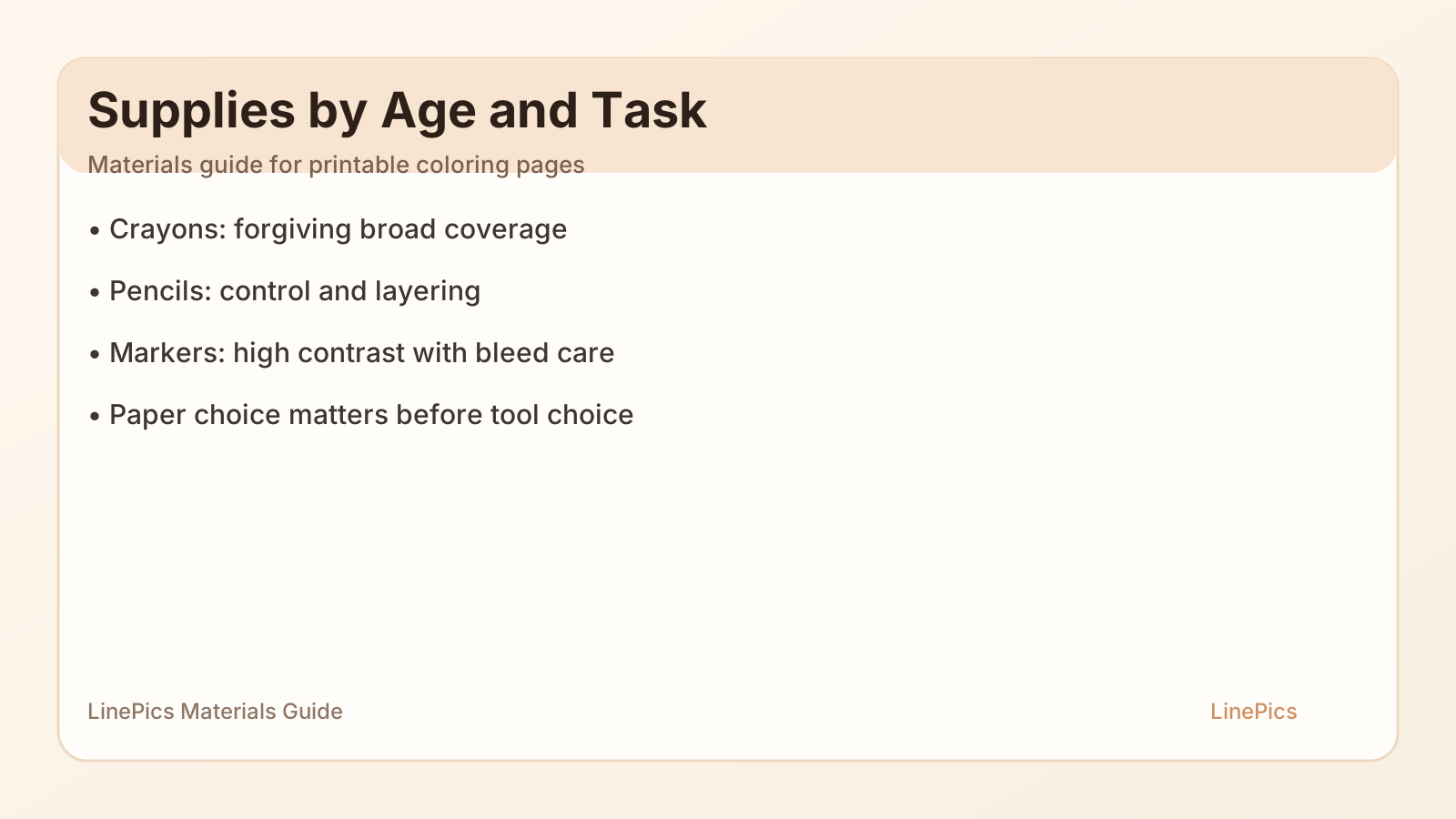
Figure: Materials matrix for paper, crayons, pencils, and markers.
People often search for printable coloring pages, but poor tools ruin the experience.
The right setup does not need to be expensive. It needs to match age, paper, and expected detail level.
Core Principle
Choose tools by task:
- crayons for broad, forgiving coverage,
- colored pencils for control and layering,
- markers for vibrant, high-contrast output.
No single tool is "best" for every coloring page.
Paper First, Then Color Tools
For home and classroom printing:
- standard copy paper works for crayons and light pencil work,
- slightly heavier paper helps marker users avoid bleed-through,
- avoid glossy paper for most coloring activities.
If your site offers free printable coloring pages, include a one-line paper recommendation per collection.
Tool Recommendations by Age
Ages 3 to 5
- jumbo crayons,
- washable broad-tip markers,
- thick-outline pages.
Ages 6 to 8
- standard crayons,
- basic colored pencils,
- medium detail pages.
Ages 9+
- higher-pigment pencils,
- fine-tip markers,
- layered or intricate pages.
Marker Bleed Control
If marker bleed is a problem:
- place a spare sheet behind the page,
- reduce pressure on repeated strokes,
- choose paper with slightly higher weight.
This simple habit prevents ruined desk surfaces and lost pages.
Pencil Sharpness and Line Control
For detailed coloring pages for kids, sharp pencils matter more than expensive sets.
Classroom tip:
- maintain two sharpeners per table group,
- keep one "ready cup" with sharpened pencils before class.
Budget-Friendly Classroom Kit
Per 24 students:
- 6 crayon packs,
- 6 basic marker packs,
- 6 pencil sets,
- spare black pencils for outlines,
- backup paper stack.
Track breakage monthly and restock only high-loss items.
Common Mistakes
- Using alcohol markers on thin copy paper.
- Expecting toddlers to control fine-tip pens.
- Printing detailed pages for early beginners.
- Overbuying fancy tools before testing workflow.
Start simple, then upgrade based on actual usage.
Storage That Keeps Tools Usable
- Store markers flat if recommended by brand guidance.
- Keep crayons away from heat.
- Label classroom bins by tool type and difficulty.
Tool maintenance is cheaper than frequent replacement.
Add-On Tools Worth Considering
- blending stumps for older students,
- eraser shields for precision work,
- clipboards for flexible seating sessions.
Use add-ons only when core workflow is stable.
For Coloring-Site Owners
Help users succeed by adding a short "materials" box under each download:
- recommended paper,
- recommended tool type,
- expected session length,
- difficulty label.
That tiny addition increases print success and repeat visits.
References
- Adobe guidance for print workflows: https://helpx.adobe.com/acrobat/using/printing-pdfs.html
- CDC development resources for age-appropriate expectations: https://www.cdc.gov/ncbddd/actearly/milestones/index.html